Calculator Hide Files is the leading free, open source Calculator Vault APK for Android. Disguised as a functional calculator, this secret photo vault lets you hide photos in calculator, lock private videos, secure notes, and protect documents with 100% offline AES-256-GCM file encryption.
The complete Calculator Photo Vault designed to hide photos, lock videos, and secure confidential files behind an unsuspecting calculator.
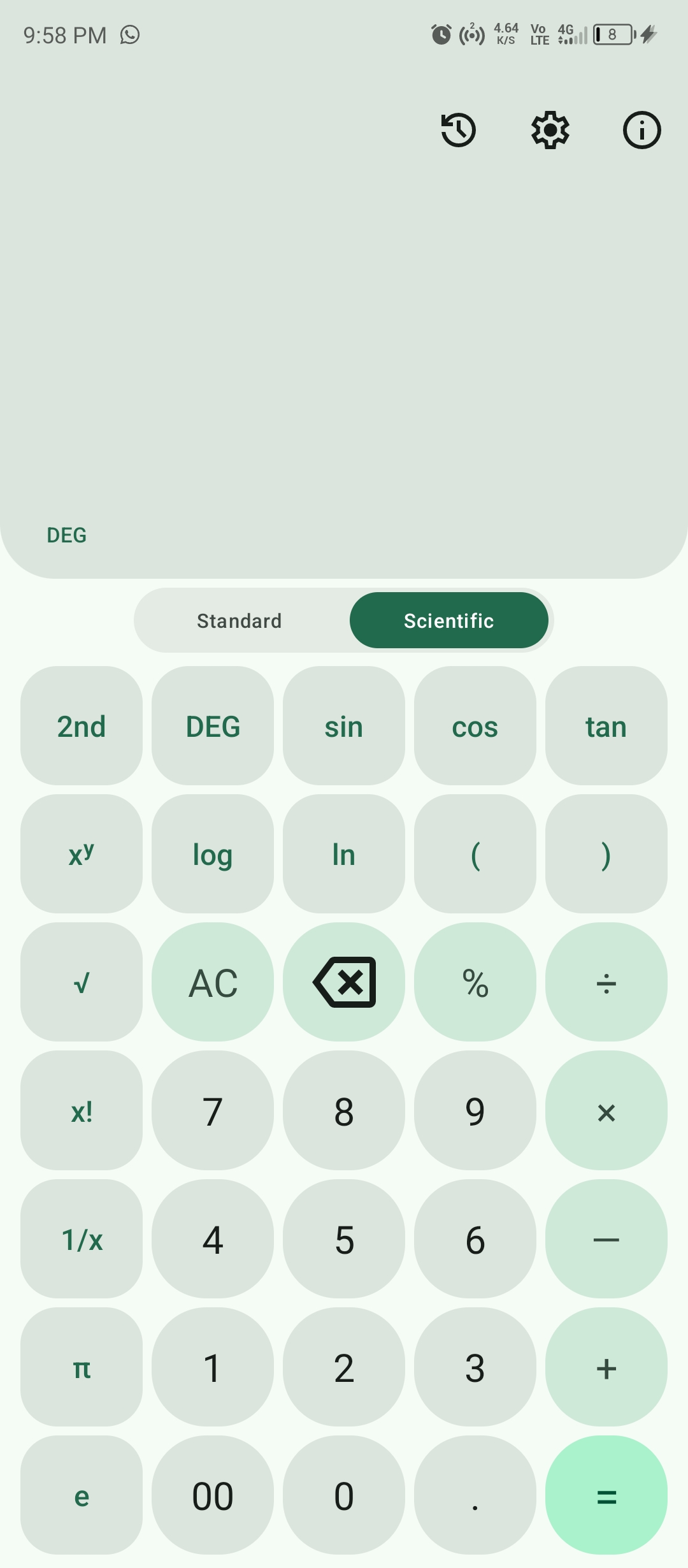
The ultimate Calculator Hide App that functions as a genuine math calculator. Easily hide photos in calculator, calculate equations, and access calculation history while keeping your vault invisible.
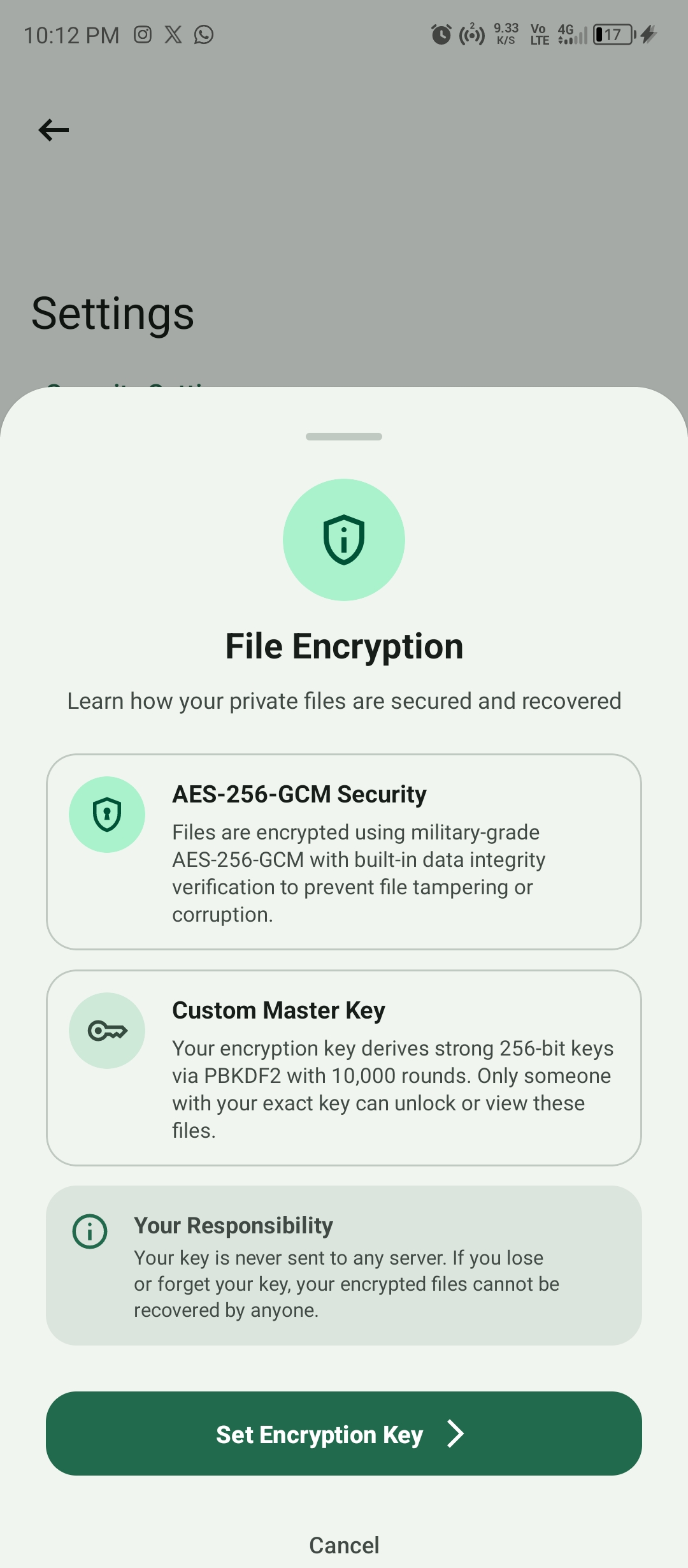
True encrypted file storage Android. Files are secured with 256-bit AES in Galois/Counter Mode (GCM) with PBKDF2 key derivation and 128-bit authentication tags to prevent tampering. Read architecture →
Set a secret PIN on the keypad. As a secure calculator vault, typing your passcode followed by the equals (=) button instantly unlocks your private photo vault Android storage.
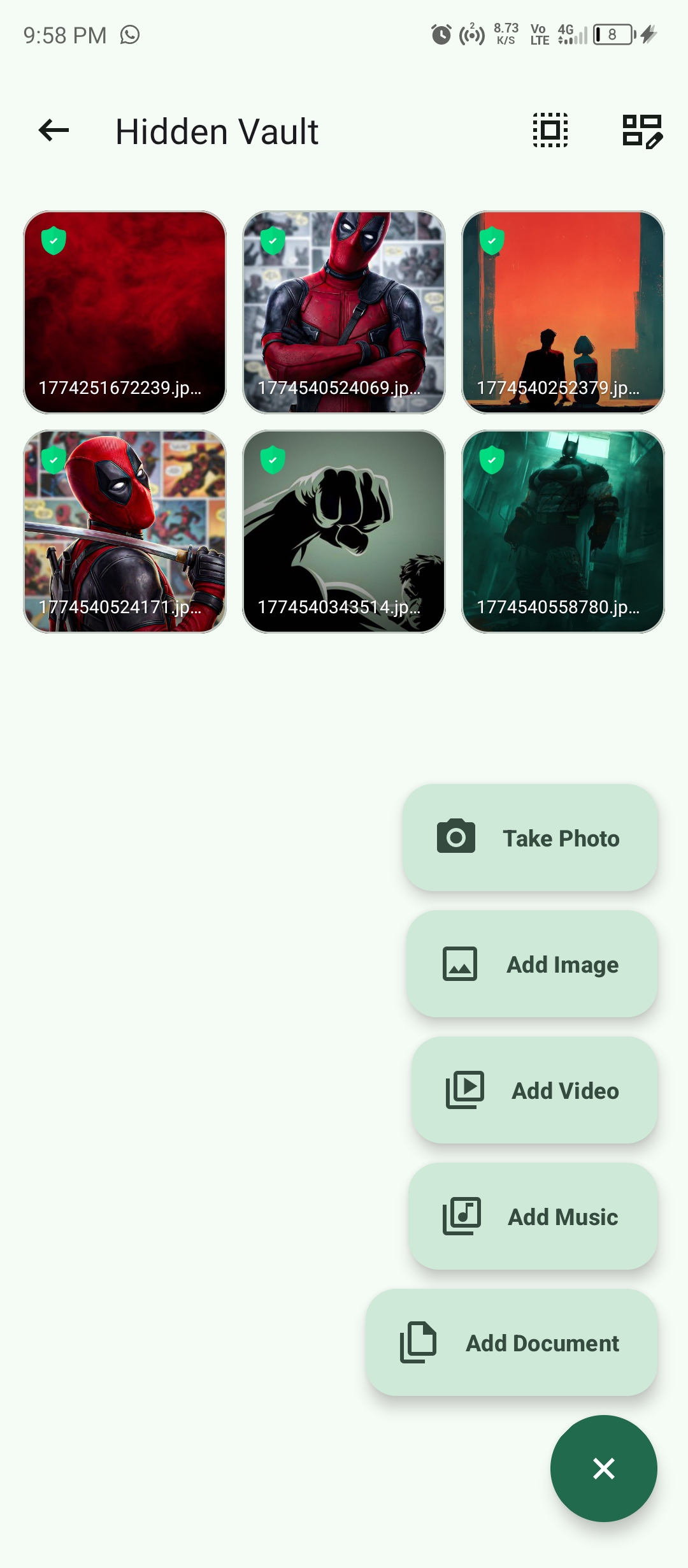
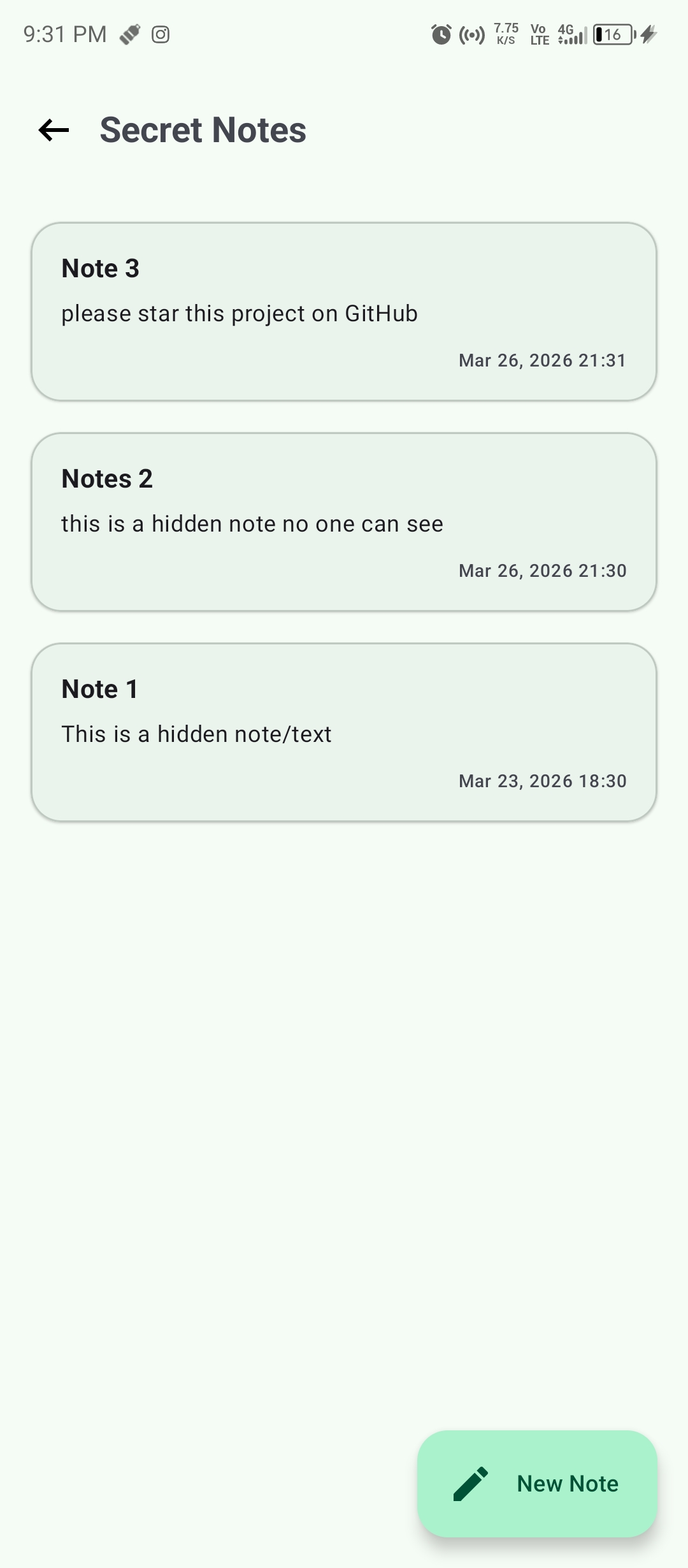
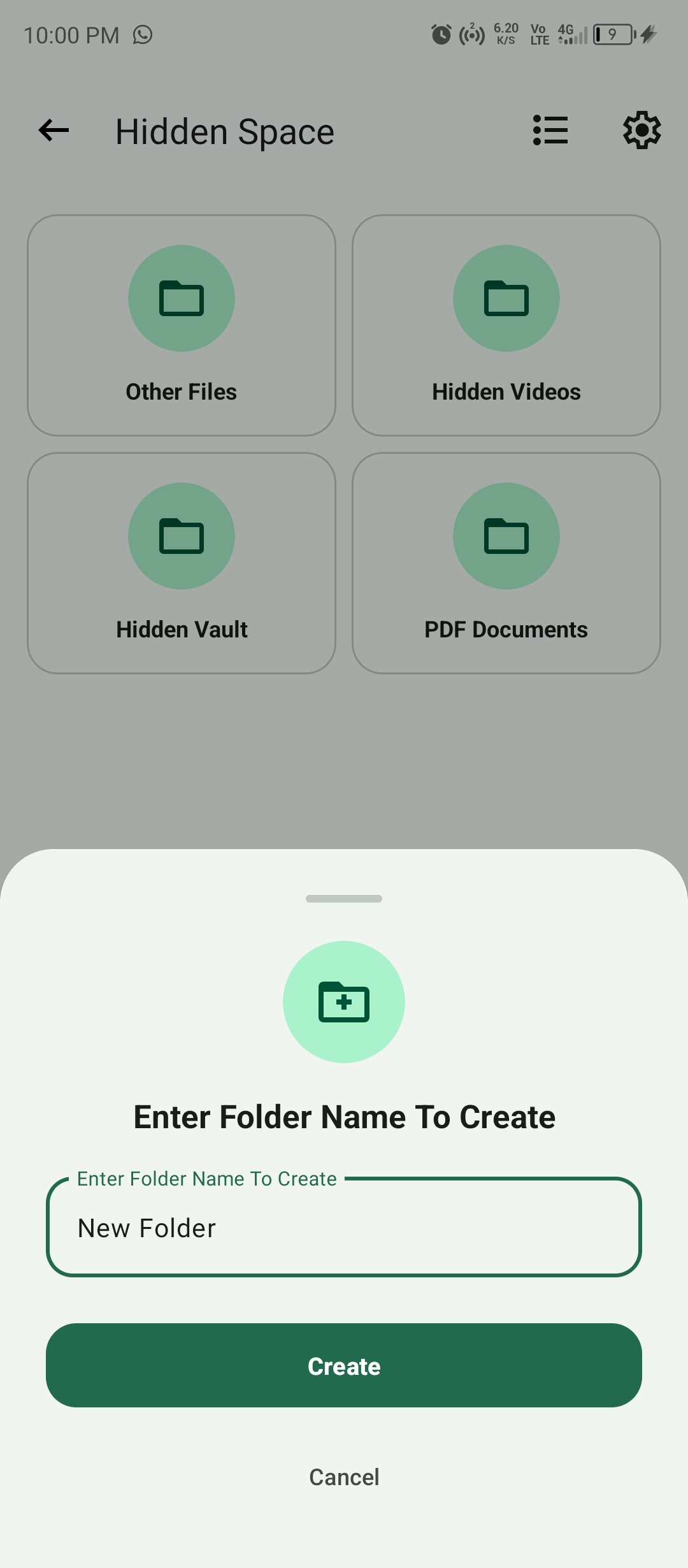
The complete photo video locker and hide pictures app. Hide videos in calculator, organize pictures in a hidden gallery app, and lock private documents with local previews.
A truly offline photo vault and private file vault app. Requests zero internet permissions in the Android manifest, ensuring your files and keys never touch any external server.
The best free calculator vault app and open source calculator vault alternative on GitHub. Zero ads, zero trackers, and completely verifiable secure file vault Android codebase.
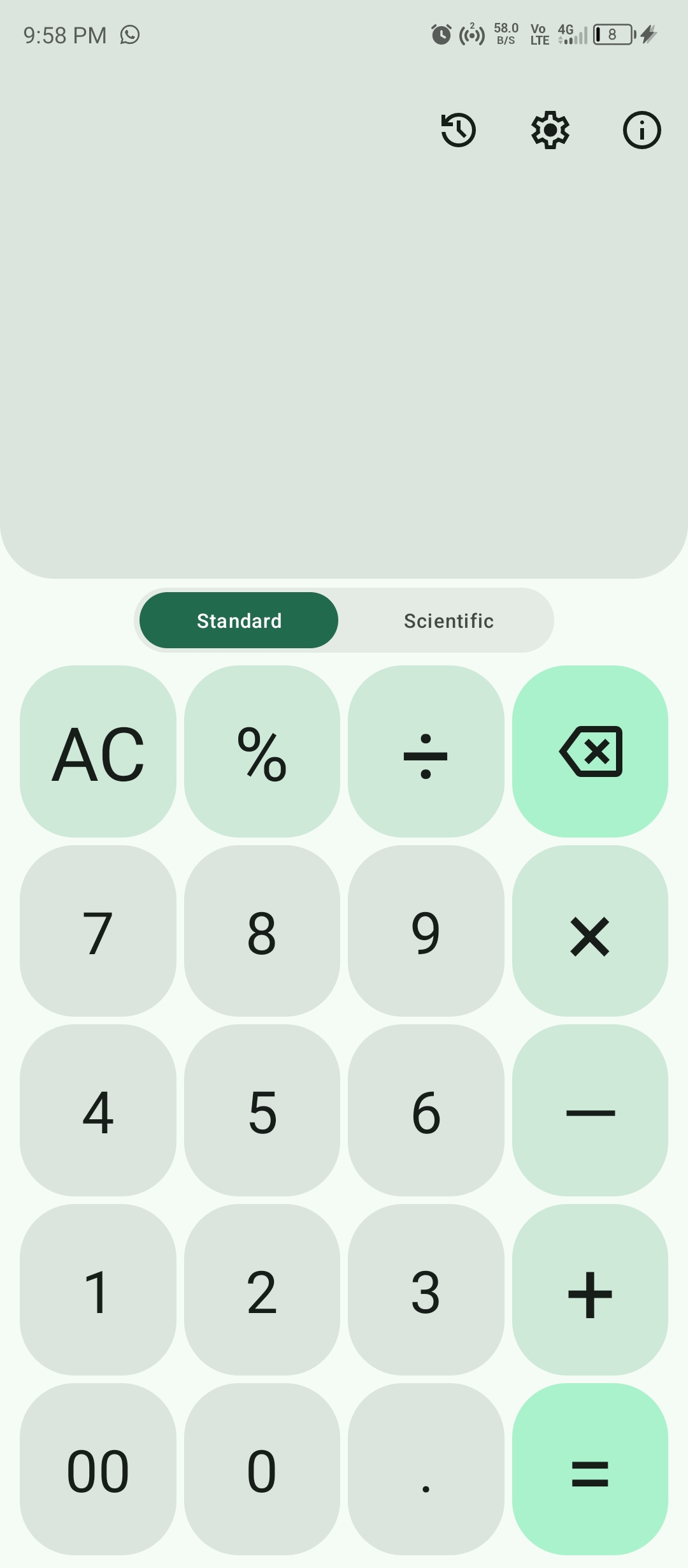
On your phone it is a fully working calculator. Anyone who opens it sees numbers and operators, nothing more.
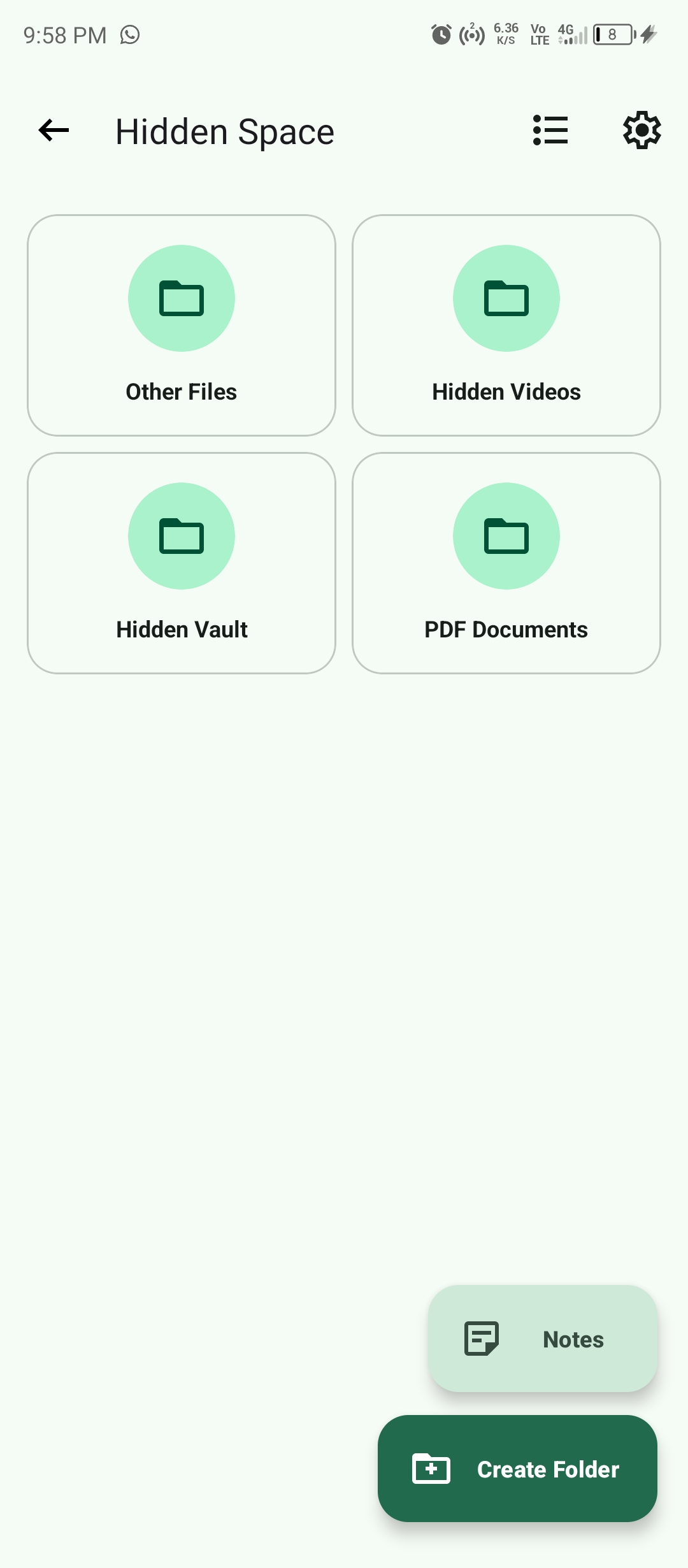
Type 123456 and press = to create your passcode. After that, enter it and press = to unlock the hidden file manager.
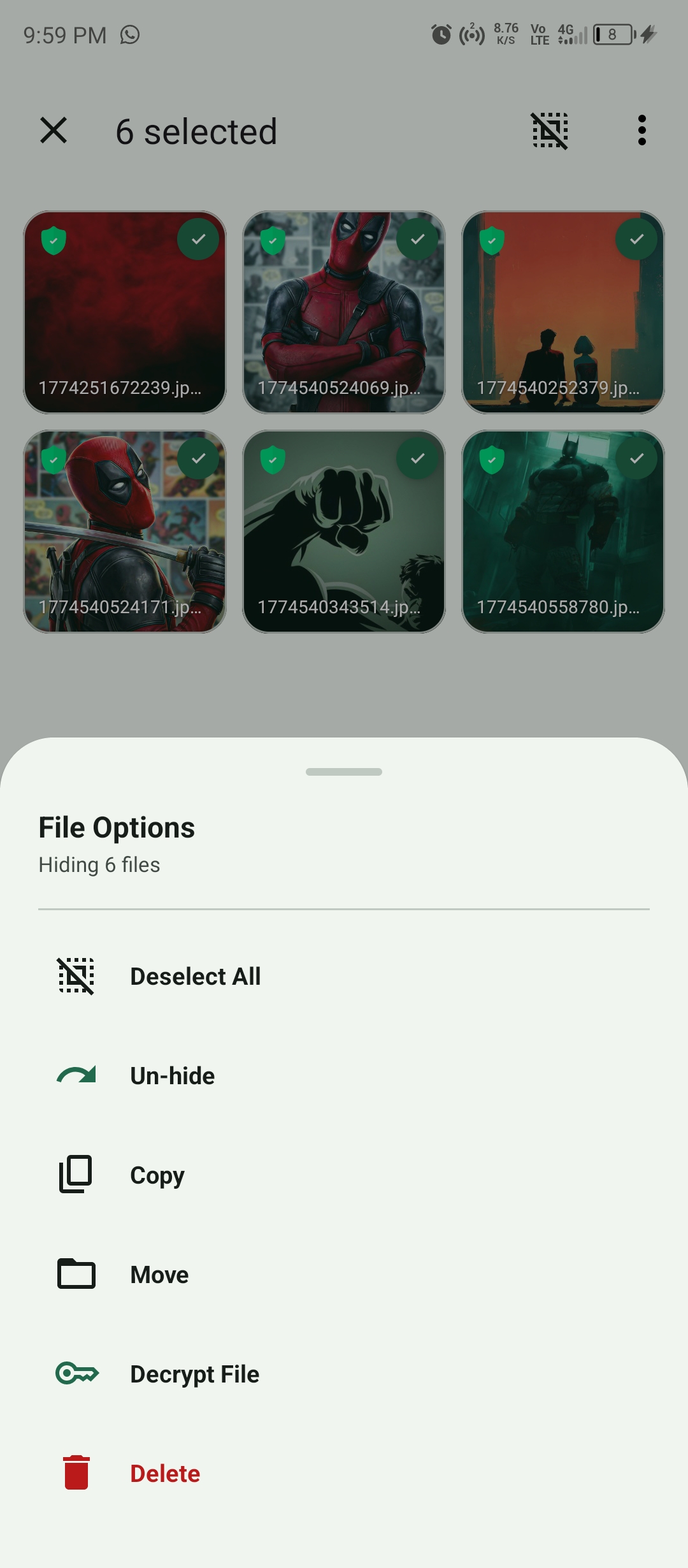
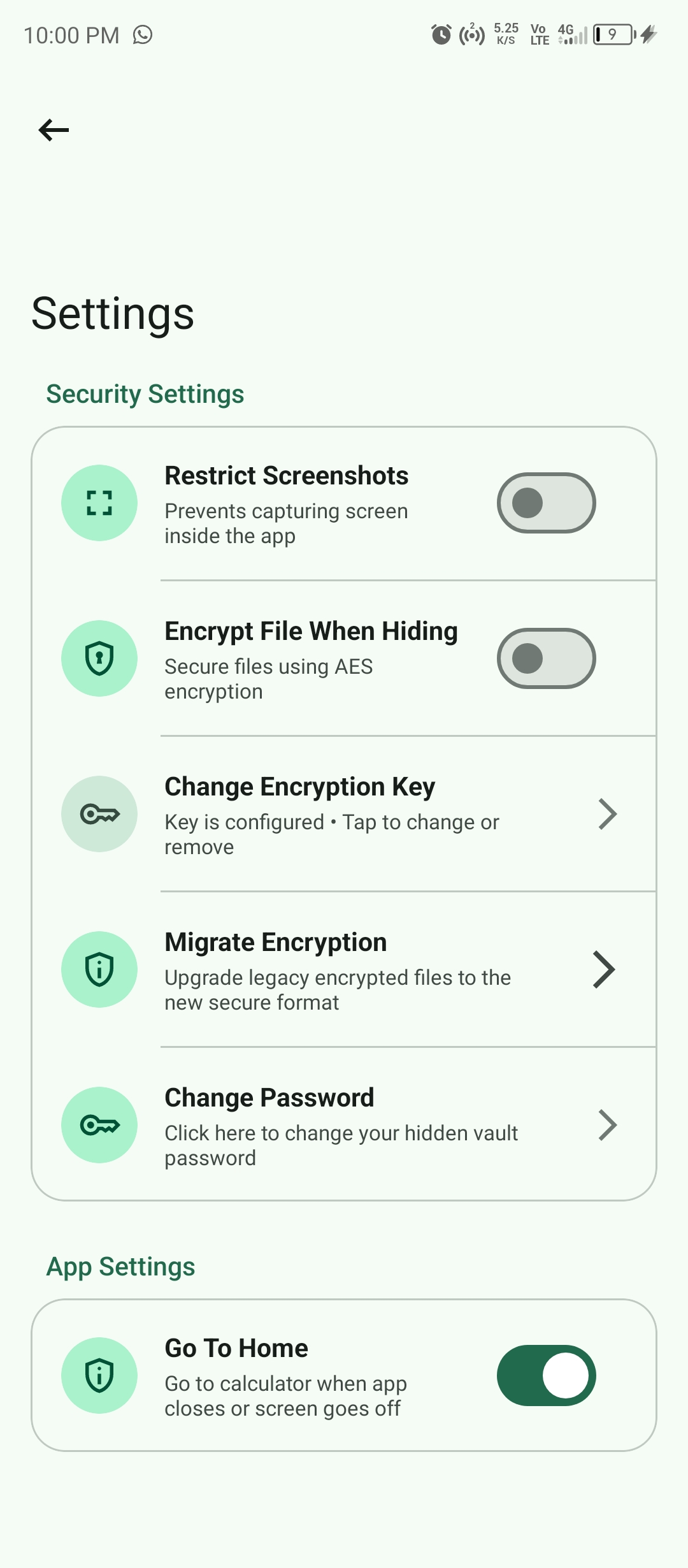
Add, remove, and restore hidden files. Everything is encrypted with AES-256-GCM and stays protected when the app closes.
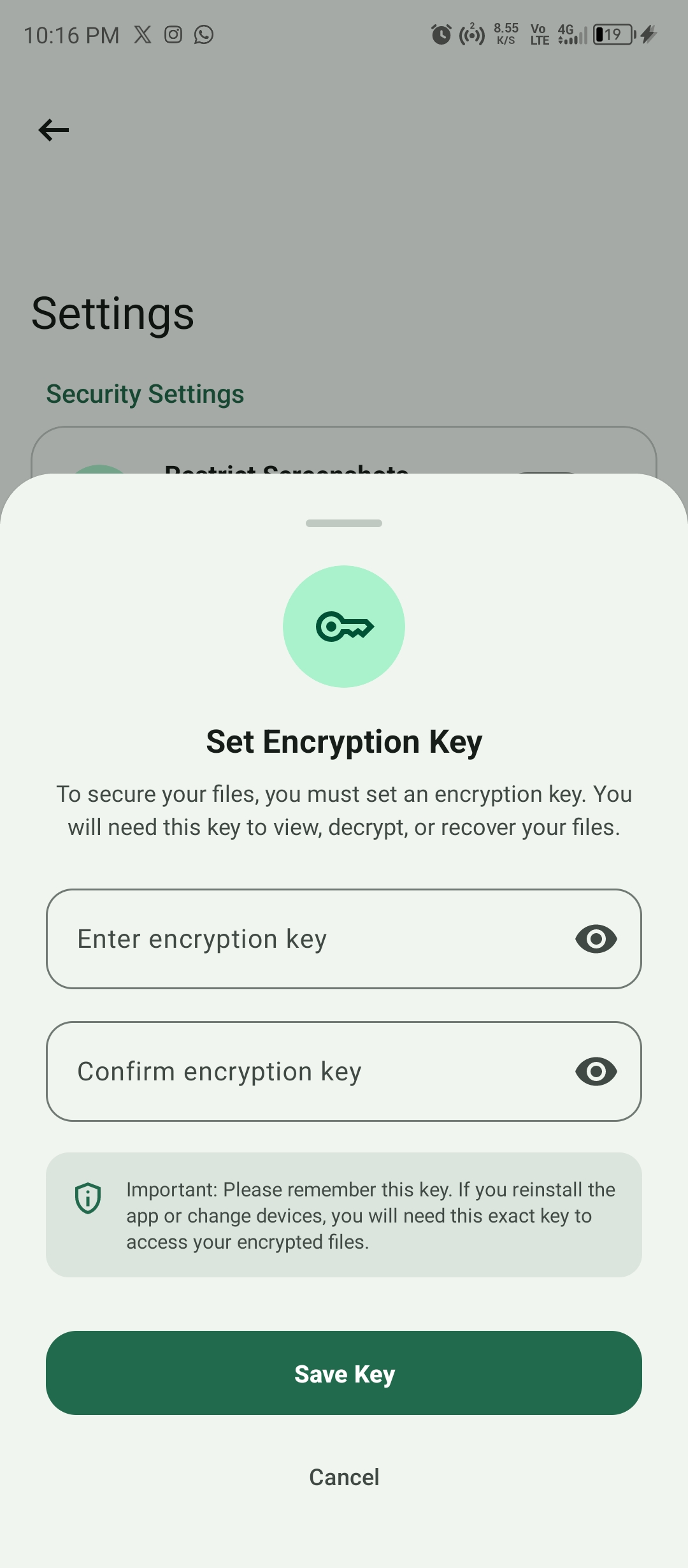
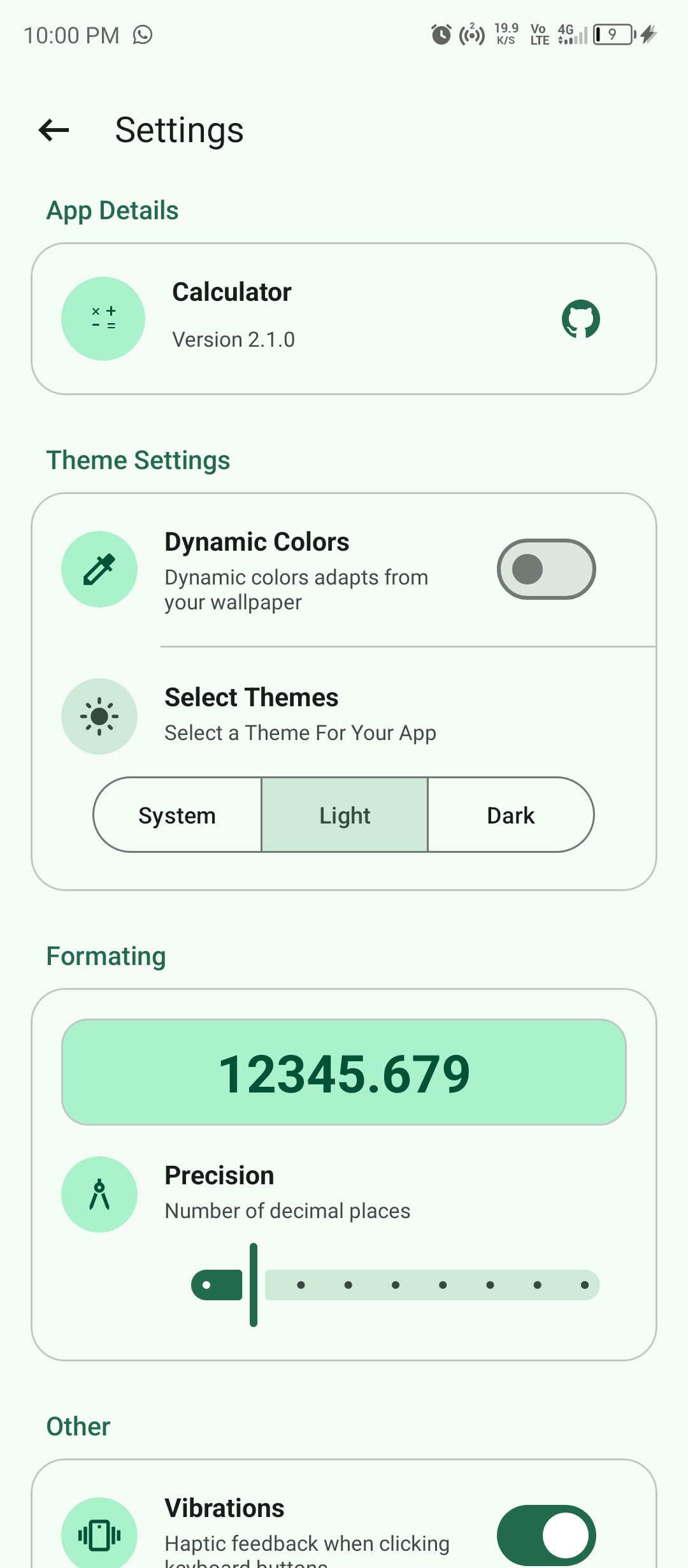
A clean, modern interface designed natively in Kotlin and Material 3 for effortless file management and privacy. All 12 production screenshots from the real Android application.
Most "calculator hide apps" on app stores are filled with trackers, intrusive popups, and vulnerable fake encryption. Here is how Calculator Hide Files delivers genuine, uncompromised privacy.
| Feature Comparison | Calculator Hide Files (v2.1.0) | Typical Calculator Vault Apps |
|---|---|---|
| Internet Permission & Data Privacy | 100% Offline (Zero internet permission) | Requires Internet; uploads analytics & files |
| Encryption Standard | AES-256-GCM + PBKDF2 (100k iterations) | Weak ECB mode, simple file renaming, or none |
| Working Math Engine | Fully functional calculator + calculation history | Crude fake calculator, raises immediate suspicion |
| Disaster Recovery on Reinstall | CHFE Self-contained package (metadata embedded) | Permanent file loss if app uninstalled or data wiped |
| Ads & Subscriptions | 100% Free & Open Source (Zero app ads) | Aggressive full-screen ads, paywalls & subscriptions |
| Supported File Types | Photos, Videos, Audio, Documents & Secret Notes | Photos and videos only |
| Source Code Transparency | Public on GitHub for independent audits | Proprietary closed-source code |
.dat), or zero encryption at all.
Get the Calculator Vault latest version directly on your Android phone. Fast, safe, and verifiable Calculator Hide Files APK installation.
MANAGE_EXTERNAL_STORAGE) for full vault protectionDownload the verified Calculator Vault APK download package directly from GitHub Releases or through the F-Droid compatible IzzyOnDroid repository.
You can inspect, build, and learn from the code. Sharing or selling it requires the author's written permission.
If you reuse any algorithm, encryption module, or UI design, give clear attribution in source headers and About credits referencing Binondi.
Find answers about how to hide photos in calculator, AES-256-GCM encryption, passcode security, and Android compatibility.
Open Calculator Hide Files, type your secret passcode (default on first launch is 123456), and press the equals (=) button. Once inside the secret vault, tap the add (+) button to select and encrypt photos, videos, or documents from your Android device storage. The original files are moved into encrypted storage and become completely invisible to the default Android gallery.
Yes, Calculator Hide Files APK is completely 100% offline with zero internet permissions requested in its Android manifest. Your private files and encryption keys never leave your phone, and the app contains no tracking scripts, analytics, telemetry, or ads.
Every hidden file is individually encrypted with military-grade 256-bit AES in Galois/Counter Mode (GCM). The key is derived using PBKDF2WithHmacSHA256 with 100,000 iterations, unique 16-byte salts, and 12-byte initialization vectors (IV) alongside a 128-bit authentication tag to protect against file tampering or corruption.
Unlike commercial calculator locker apps that bombard users with ads, collect telemetry, and use fake file extension renaming, Calculator Hide Files is 100% free and open-source on GitHub. It features true authenticated cryptography, native Kotlin Material 3 design, and disaster recovery via self-contained CHFE containers that preserve files even after app reinstallation.
Due to Google's Scoped Storage architecture, Android requires the MANAGE_EXTERNAL_STORAGE permission for file manager and vault apps that encrypt and move files outside their isolated sandbox. The app needs this to hide and unhide your photos, videos, and documents across device storage.
Because the app operates 100% offline with zero cloud backdoors or remote servers, forgotten passcodes cannot be remotely reset. If security questions were configured during initial setup, they can be answered locally to reset your PIN.
Free, open-source, and secured with AES-256-GCM encryption.