Calculator Hide Files is built from the ground up to combine seamless disguise with impenetrable local cryptography. Below is a comprehensive breakdown of all features included in the software.
Undetectable Calculator Disguise
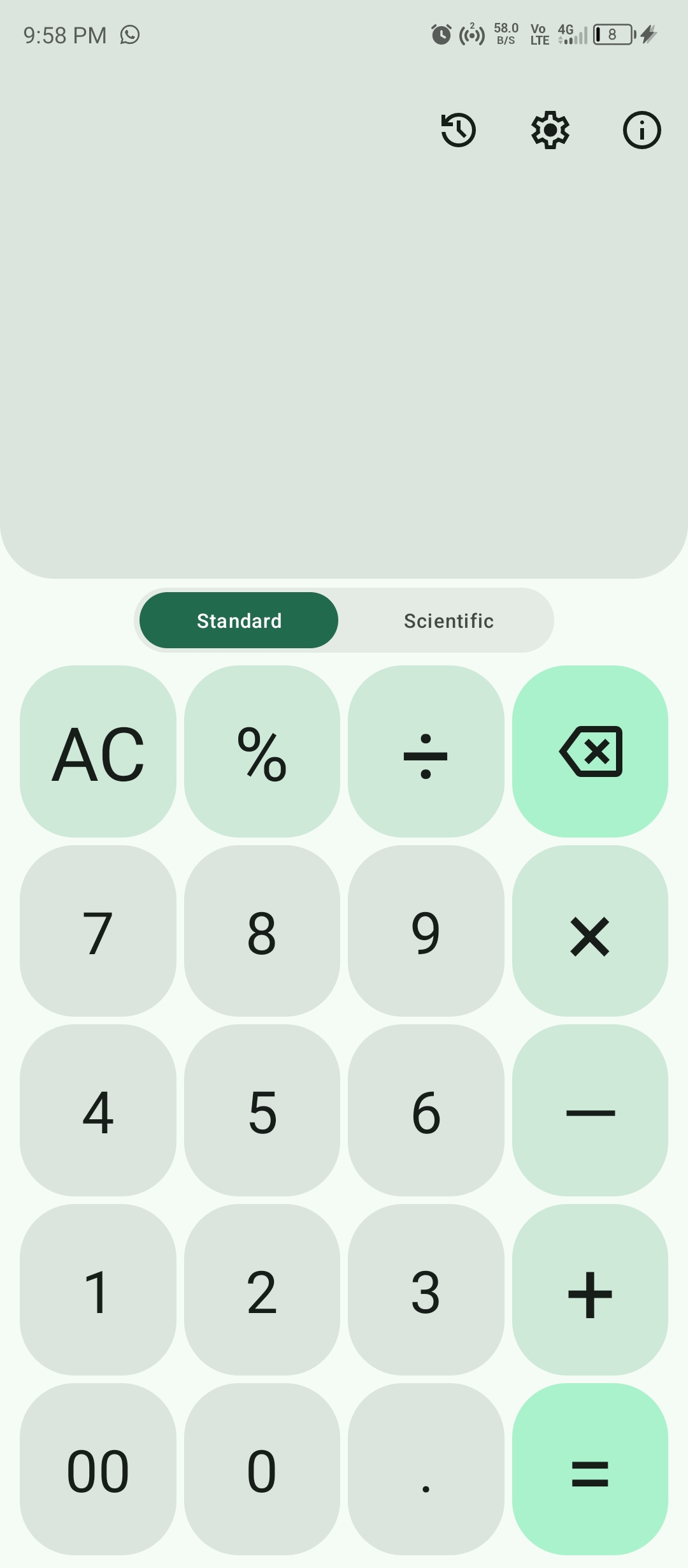
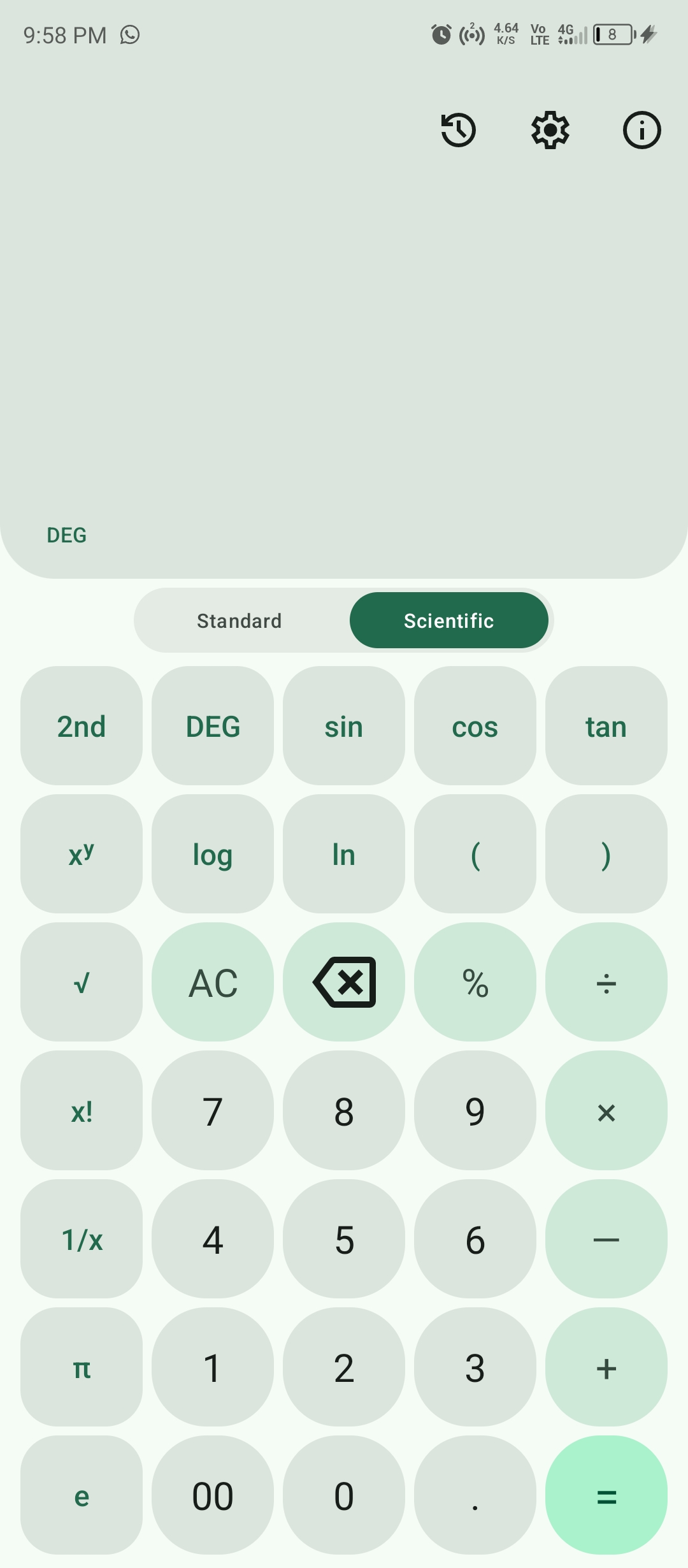
Looks, feels, and performs like a legitimate stock Android calculator. Calculates math with precision, supports history, and never raises suspicion when opened by bystanders.
AES-256-GCM Authenticated Encryption
Every hidden file is encrypted using 256-bit AES in Galois/Counter Mode with a 128-bit authentication tag and a unique initialization vector (IV). Tamper-proof, cryptographically secure.
Zero Internet Permissions (100% Offline)
The Android INTERNET permission is omitted from the APK manifest. The app physically cannot send data over WiFi or cellular connections. Zero data leaks, zero cloud risks.
Multi-Media Vault Support
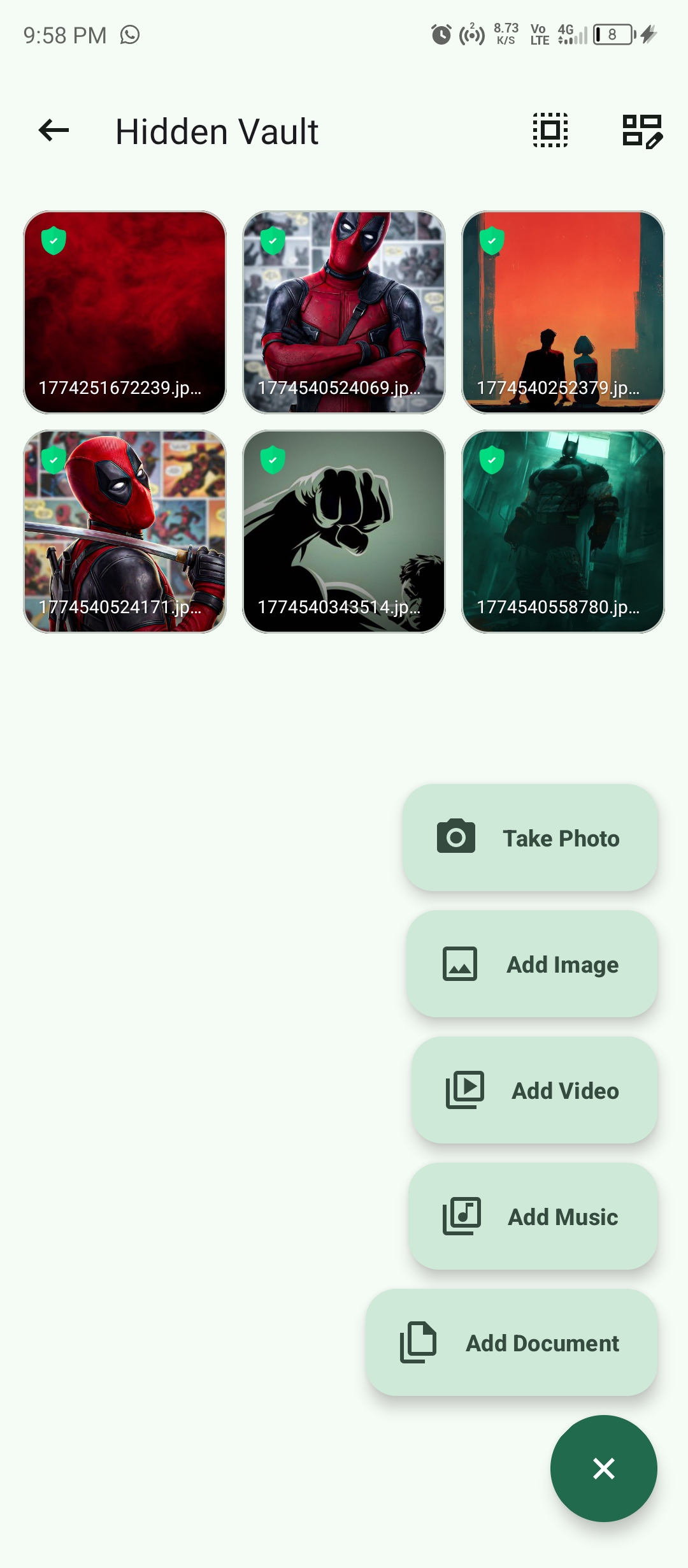
Conceal photos, ultra-HD videos, voice memos, audio tracks, PDF documents, spreadsheets, APKs, or any arbitrary file type with instantaneous gallery removal.
Private Notes with Undo / Redo
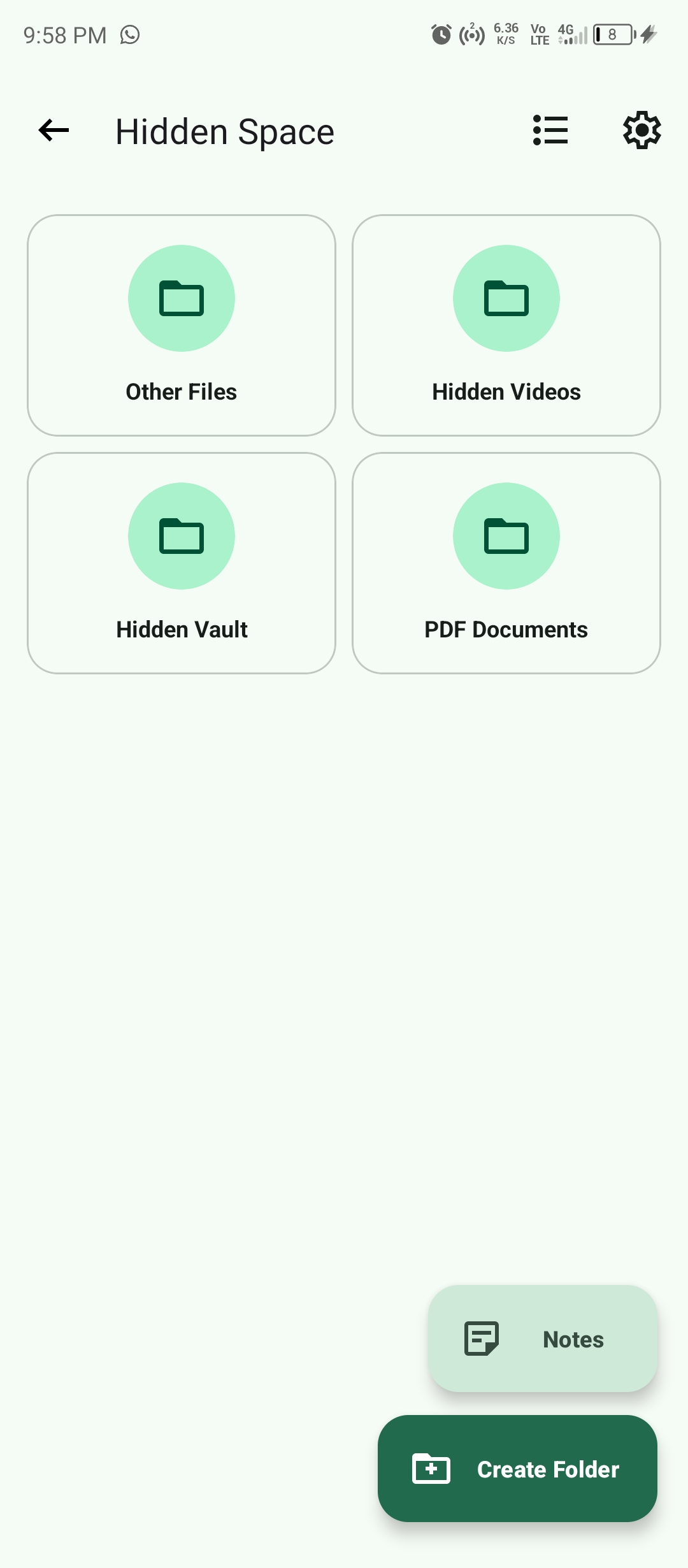
A built-in encrypted text editor with undo and redo history. Perfect for saving private passwords, secret thoughts, bank information, and seed phrases securely.
Real Calculation History
Every standard equation and mathematical calculation you perform is recorded in an accessible calculation log, reinforcing the authentic calculator facade.
Custom Hidden Folders
Organize your hidden library by creating custom folders. Move, copy, rename, and batch-restore files anytime with a single tap.
Open Source & Verifiable
100% public Kotlin source code on GitHub. No closed blobs, no mystery network libraries, no proprietary backdoors. Anyone can audit and verify the software.
Disaster-Proof Recovery (CHFE Format)
New in v2.1.0: Self-contained binary file container (CHFE). Original names, MIME types, and metadata are embedded directly inside the encrypted file. Reinstalling the app or wiping app data will not orphan or lose your files—simply re-enter your encryption key to restore full access and previews!
PBKDF2 Key Derivation (100k Iterations)
v2.1.0 derives master encryption keys from your custom passphrase using PBKDF2WithHmacSHA256 with 100,000 iterations. Every single file generates its own unique 16-byte cryptographic salt and 12-byte initialization vector (GCM nonce).
Visual Walkthrough & Screenshots
A look at the real Material Design 3 interface in action on Android:
Ready to Protect Your Personal Files?
Get the latest release of Calculator Hide Files directly from our official repository or read our in-depth guides: